IGIPTV Knowledge Hub
Best IPTV Apps and Players: How to Choose an IPTV Player
Two households can pay for the same IPTV service and have completely different experiences, because the app in front of the content does most of the work you actually feel: how fast channels change, how the guide looks, whether your favourites survive a restart.
This guide explains what an IPTV player is, what it isn't, and the criteria worth judging one on — without pretending any single app suits every device.
Service vs player vs app
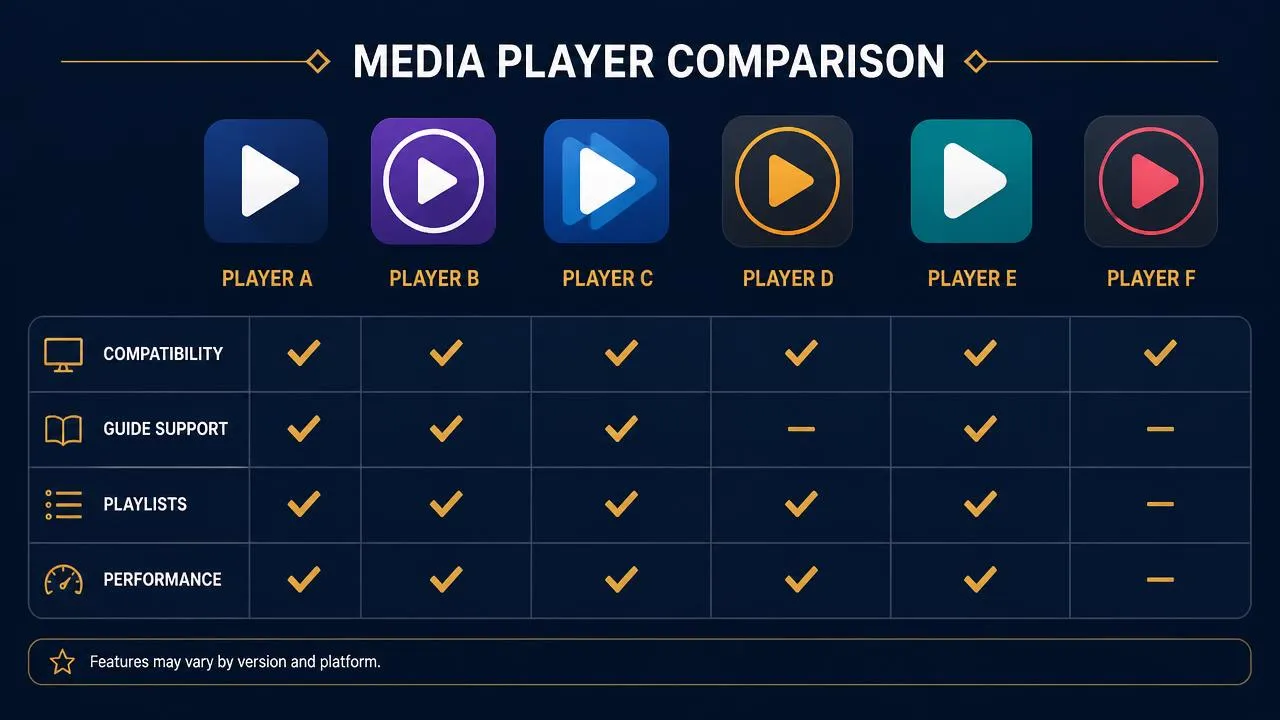
These three words get used interchangeably and they shouldn't be:
| Term | What it is | What it does not do |
|---|---|---|
| IPTV service | The subscription that supplies content and your login credentials | It isn't the software you look at |
| IPTV player | The application that requests streams, draws the channel list and plays video | It does not supply channels of its own |
| IPTV app | A general term, usually meaning the same as player | Nothing distinct — treat it as a synonym |
The important consequence: installing a player gives you an empty shell until you add credentials from a service. If you want the technical background, how IPTV works traces the whole chain, and what IPTV is covers the fundamentals.
What makes a good IPTV player
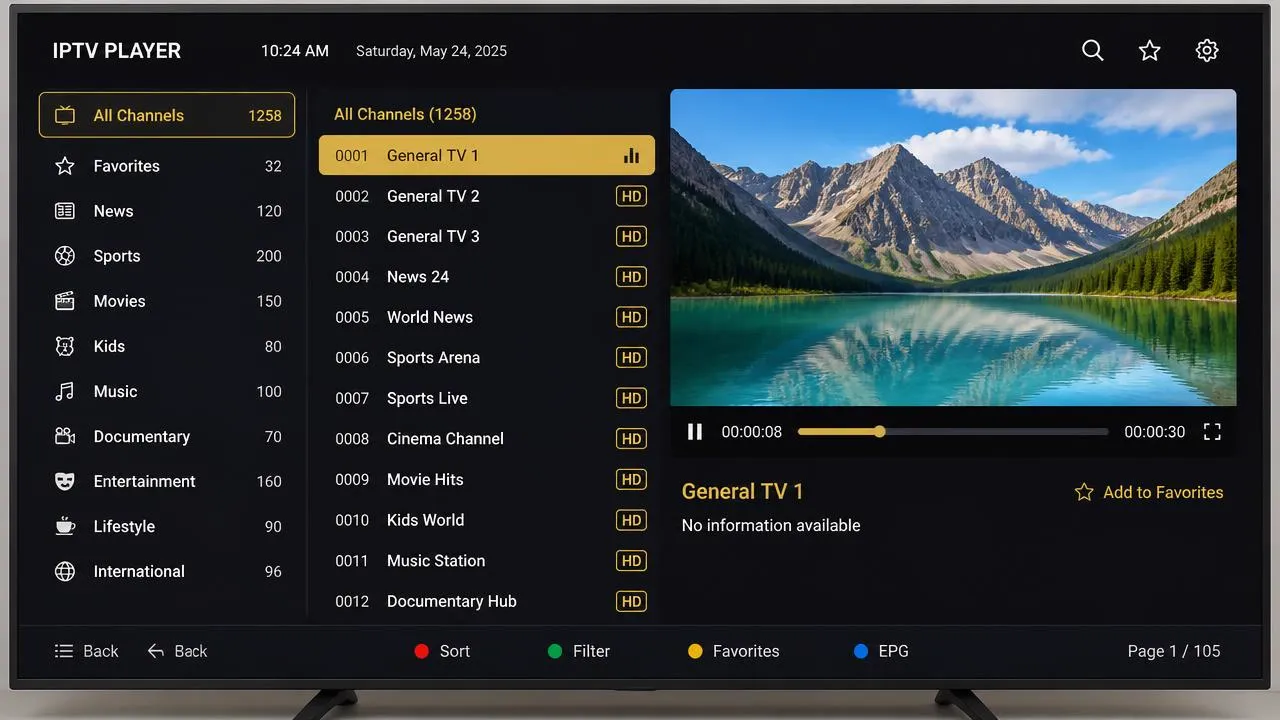
- Compatibility — it exists for your device and your credential format.
- Interface — readable from the sofa, quick to navigate with a remote.
- EPG support — accepts guide data and lets you map it to channels.
- Playlist support — handles multiple playlists and large channel lists without choking.
- Performance — fast channel changes, reliable hardware decoding.
- Updates — actively maintained, with a visible release history.
Start with device compatibility
Compatibility is a filter, not a preference. Work out what your device can install first, then choose among what's left:
- Samsung and LG televisions only run what their own stores carry — see the IPTV Smart TV guide.
- Android TV and Google TV give you the widest choice.
- Fire TV sits in between; our Firestick guide covers the practicalities.
- Phones, tablets and computers are rarely a constraint.
Interface and everyday use
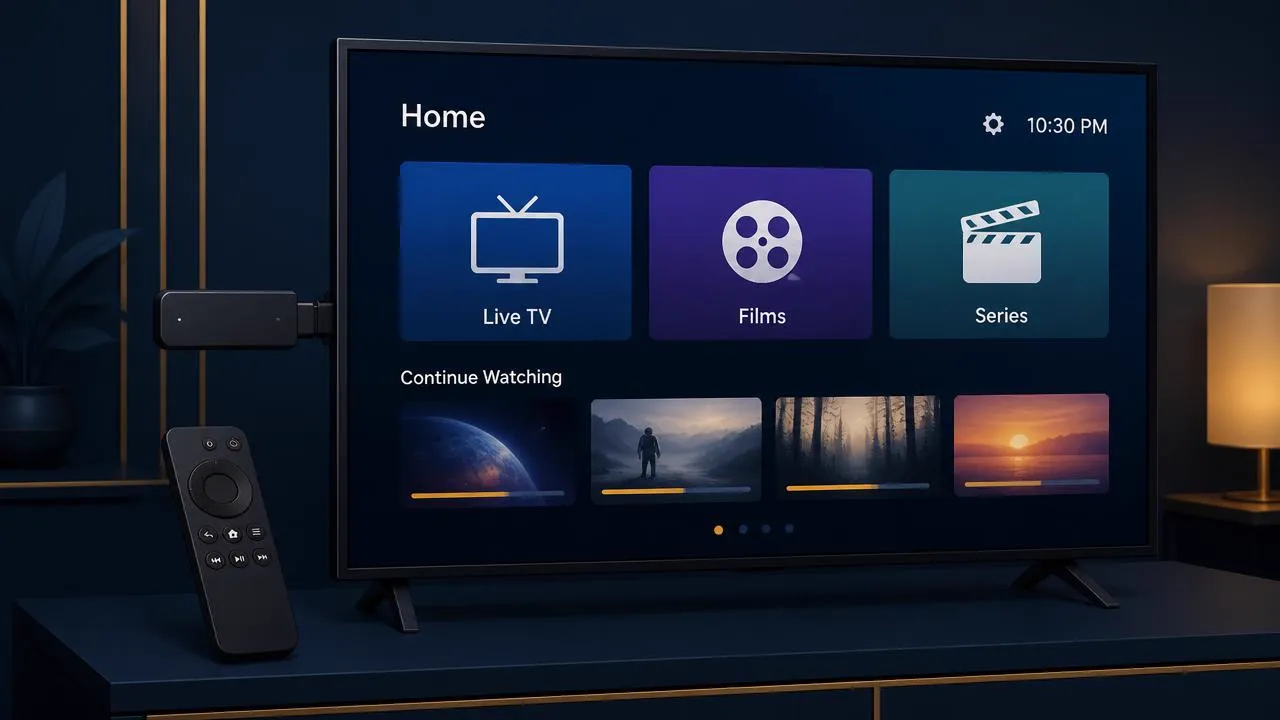
A player you use every evening is judged on small things: how many presses it takes to reach a favourite channel, whether the last channel resumes on launch, whether text is legible from three metres away.
Features worth having
- Favourites and custom channel ordering
- Hiding categories you never watch
- Search that works with a remote
- Recently watched and quick channel switching
- Parental controls if there are children in the house
EPG and playlist support
Guide support separates a serious player from a basic one. Look for the ability to add an external EPG source, adjust its time offset for UK time, and match guide entries to channels manually when the automatic mapping misses.
Our IPTV EPG guide explains what the guide contains and why it sometimes shows the wrong programme.
Performance and updates
Performance depends on the pairing of app and hardware. A lightweight player on a modest stick often beats a feature-heavy one that stutters when drawing a large guide. Signs of a well-maintained app:
- Regular releases with visible change notes
- Hardware decoding options you can switch between
- Buffer settings you can tune
- An active support channel or documentation
Choosing a player by device
| Device | What to look for |
|---|---|
| Samsung / LG Smart TV | Whatever compatible player the built-in store offers; keep the channel list trimmed |
| Android TV / Google TV | A player with strong EPG and multi-playlist support — the platform can handle it |
| Fire TV / Fire TV Stick | A lightweight, remote-friendly player installed from a legitimate source |
| Phone / tablet | Touch-first interface, background playback and picture-in-picture |
| Windows / macOS | A desktop player with keyboard shortcuts and multi-window viewing |
Common mistakes
- Expecting a player to provide content. It won't — it needs a service.
- Installing apps from unofficial sources rather than the platform's own store.
- Blaming the player for a network problem. If it stalls mid-stream, check internet speed for IPTV and the IPTV buffering guide first.
- Loading every channel instead of building a short favourites list.
Final thoughts
The best IPTV player is the one your device can run properly, with the guide and playlist features you'll actually use. Get the compatibility right first and the rest is personal taste.
Pair it with a service: explore IPTV UK plans with IGIPTV.
Frequently asked questions
Does an IPTV player give me channels?
No. A player is only an interface. It plays streams that a service you subscribe to provides; on its own it has no content.
Do I have to pay for an IPTV player?
Some players are free, some charge a one-off fee or a premium tier. That charge is for the app itself and is separate from any service subscription.
Can I use the same player on every device?
Often, but not always. Availability depends on each platform's app store, so check before assuming your phone app will exist on your television.
Which player is best for a programme guide?
Choose one that supports external EPG sources and lets you map channels to guide data — that flexibility matters more than the app's looks.